> ## Documentation Index
> Fetch the complete documentation index at: https://auth0-cq3uo.mintlify.site/llms.txt
> Use this file to discover all available pages before exploring further.
# Test Enterprise Connections
You can test enterprise connections for applications using Auth0's Dashboard.
To properly test, you should have already [set up your enterprise connection](/docs/authenticate/identity-providers/enterprise-identity-providers/enable-enterprise-connections).
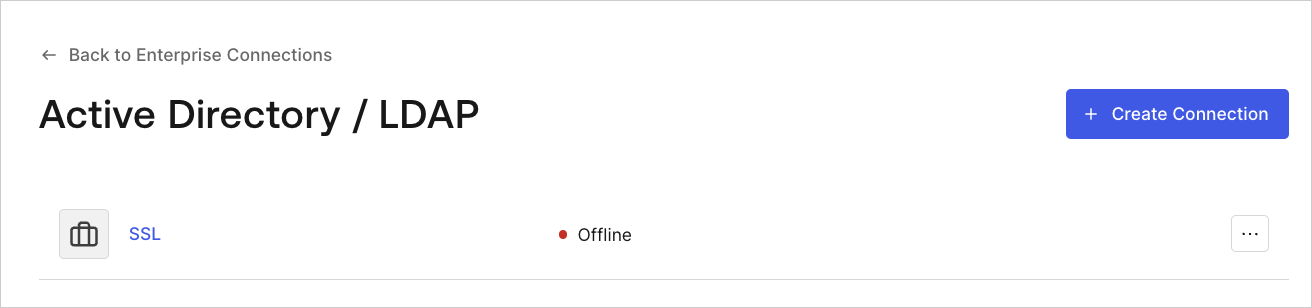
1. Navigate to [Auth0 Dashboard > Authentication > Enterprise](https://manage.auth0.com/#/connections/enterprise), and select the connection type to view.
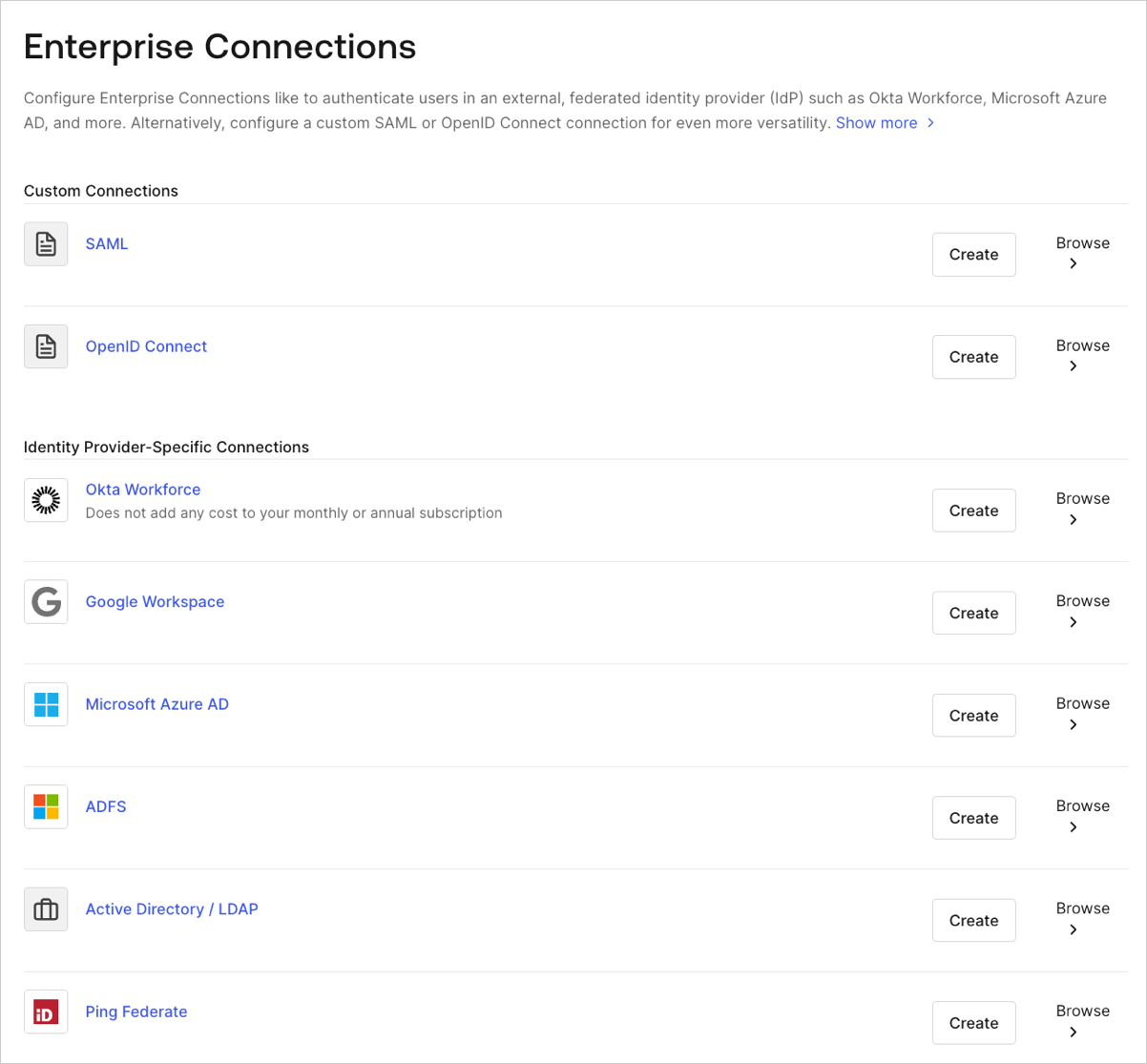
2. Select the **Try** arrow next to the connection you want to test.
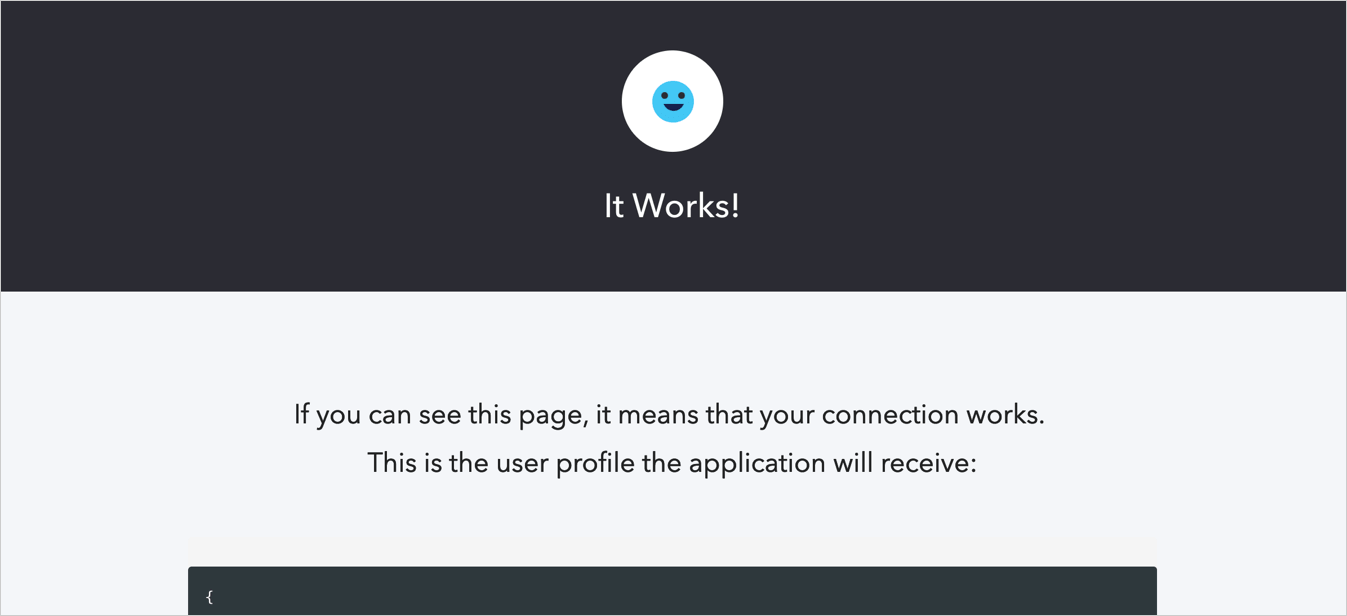
3. Log in and consent to allow access to your app. If you have configured everything correctly, you will see the **It Works!** page.