> ## Documentation Index
> Fetch the complete documentation index at: https://auth0-cq3uo.mintlify.site/llms.txt
> Use this file to discover all available pages before exploring further.

# Telegram

## Configure your Vault connection

To configure a Vault connection for your Telegram actions, you will need a **Token:**
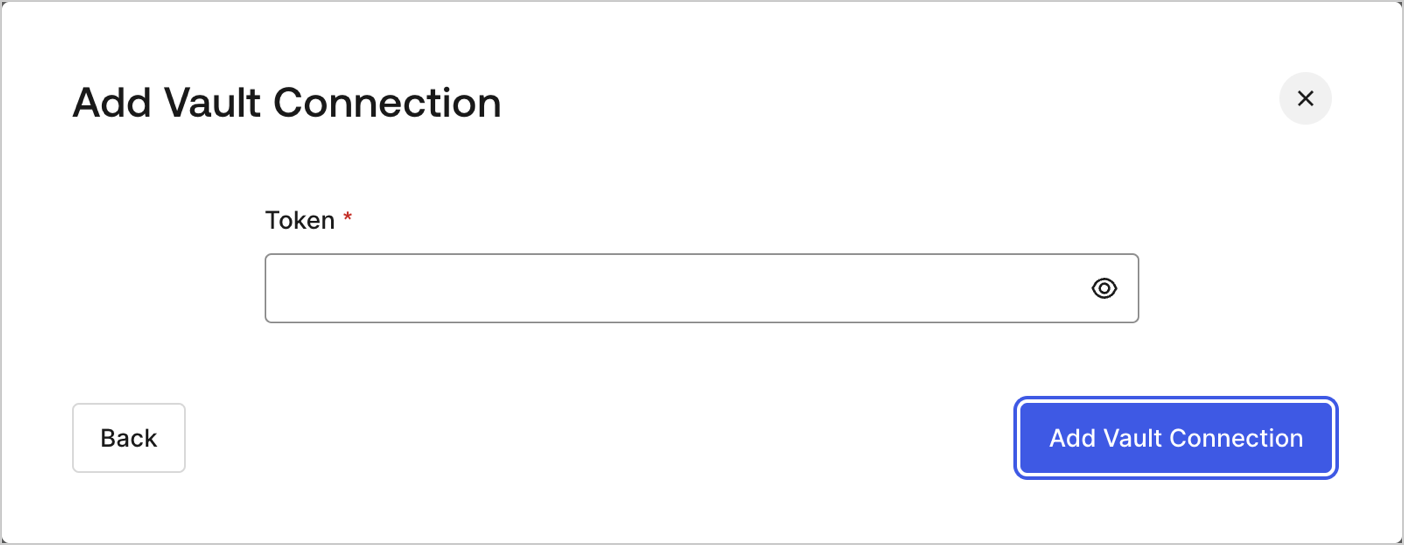
<Frame>![Dashboard > Actions > Forms > Flows > actions > Telegram](https://images.ctfassets.net/cdy7uua7fh8z/21Q1BjBAgDHxVR0YgAqedA/fcd1c5dfbd5c6f6fe8d9ea4c951efcb3/whatsapp-vault-connection.png)</Frame>

To learn how to generate a token, read [Telegram's Bot API](https://core.telegram.org/#bot-api).

## Send Telegram message

Send a messages to a Telegram chat
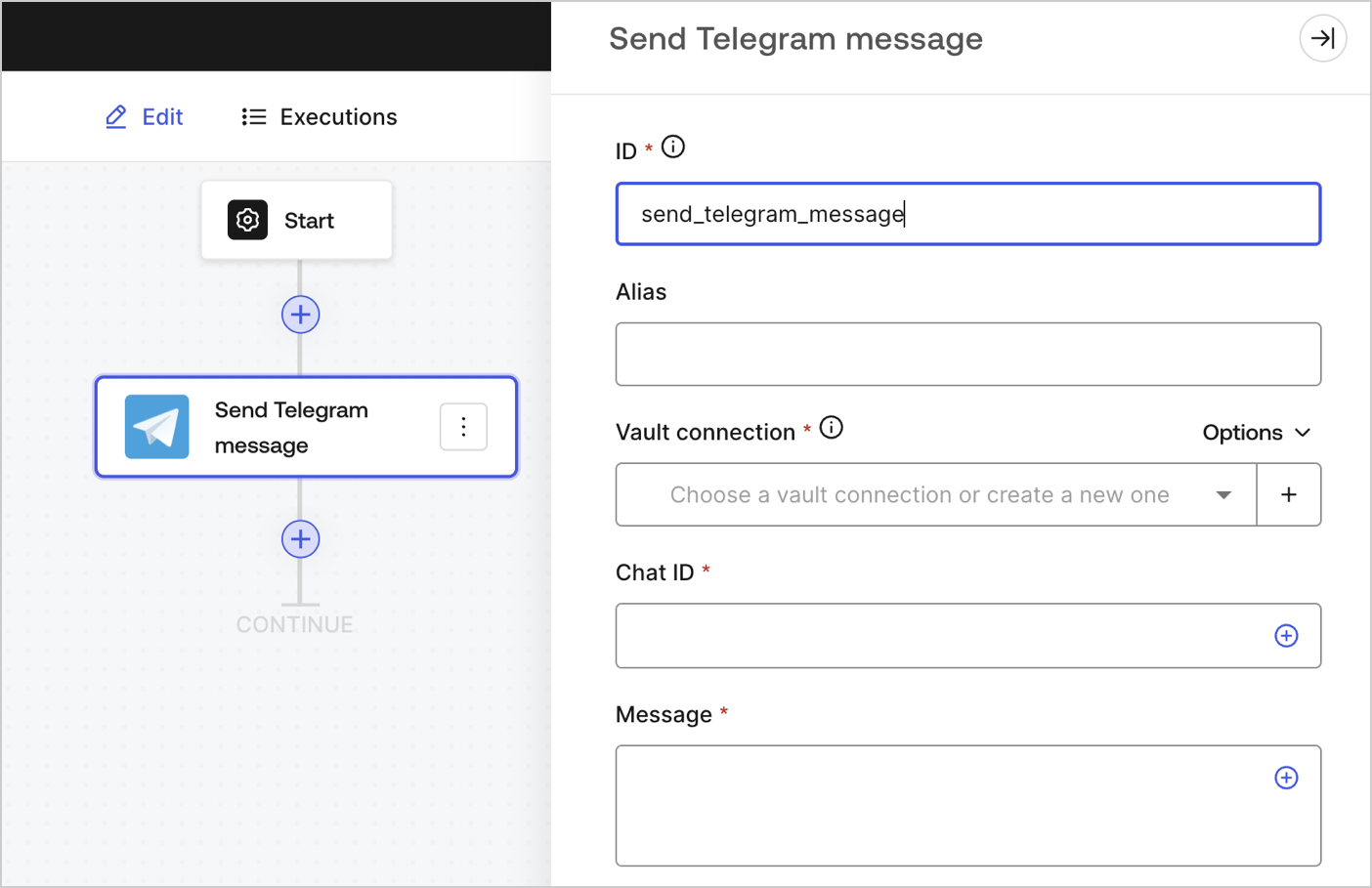
<Frame>![](https://images.ctfassets.net/cdy7uua7fh8z/kgSIPsWN5djsT1yQqg5Z8/fea0821d0e919c5101d01b84b968dd53/sendtelegrammessage.png)</Frame>

### Input settings

<table class="table">
  <thead>
    <tr>
      <th><b>Parameter</b></th>
      <th><b>Description</b></th>
    </tr>
  </thead>

  <tbody>
    <tr>
      <td>Chat ID (required)</td>
      <td>The Telegram chat ID. To be obtained from <a href="https://core.telegram.org/bots">Telegram’s Bot Father</a>.</td>
    </tr>

    <tr>
      <td>Messages (required)</td>
      <td>The body content of the Telegram message.</td>
    </tr>
  </tbody>
</table>

### Output settings

You can find the expected response and status codes at [Telegram's documentation](https://core.telegram.org/method/messages.sendMessage).
